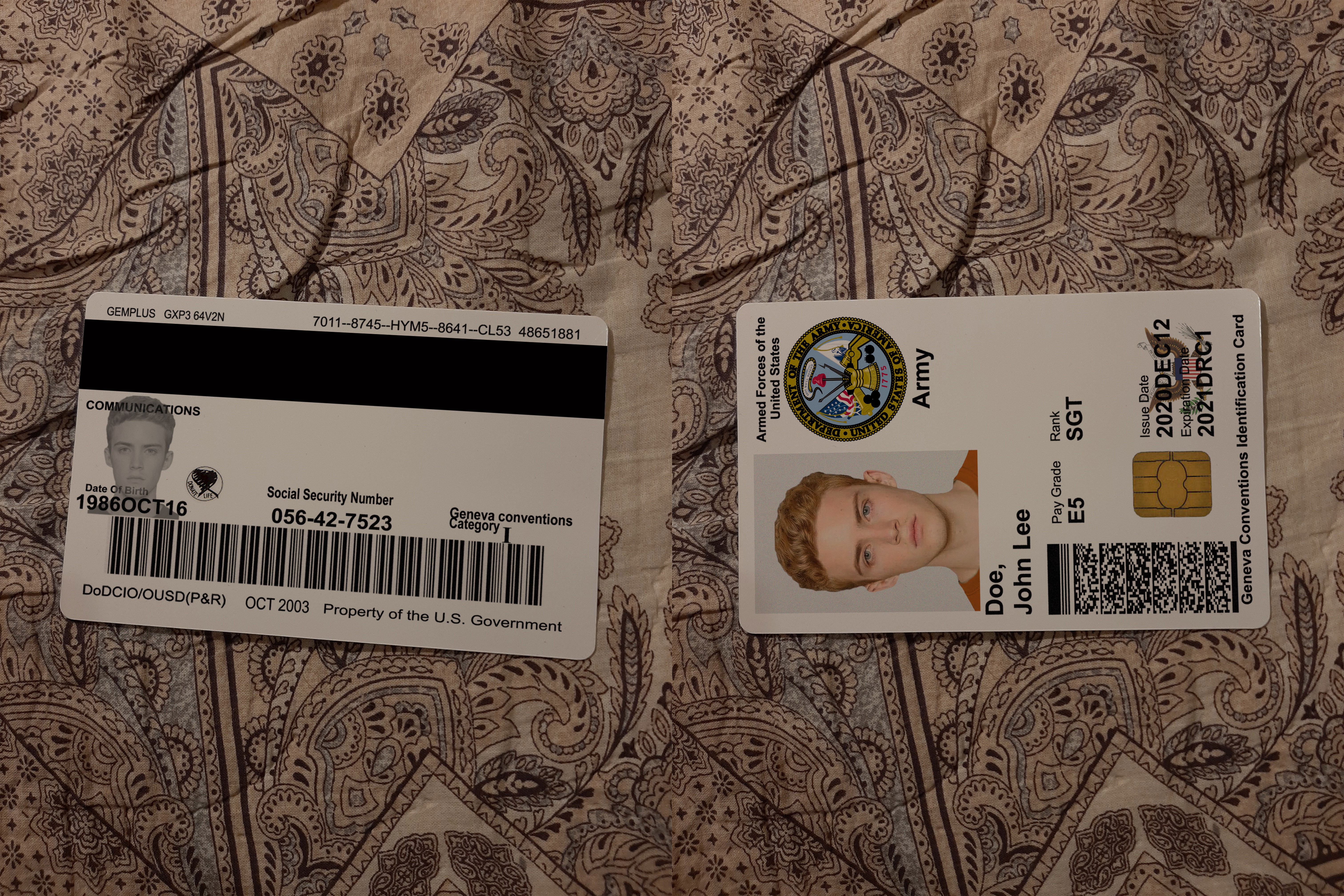
 US Military ID
$0
Result
A U.S. military identification card is an official government credential showing the holder’s branch (e.g., Army), name, photo, rank/grade, issue/expiration dates, and security features (barcodes, chip, seal).
Educational use only. This is not a real or valid ID and may not be used for identification. The author/IDMan disclaims all responsibility for any misuse, alteration, or illegal use of this material; attempting to reproduce or use counterfeit government/military IDs can lead to criminal or civil penalties.
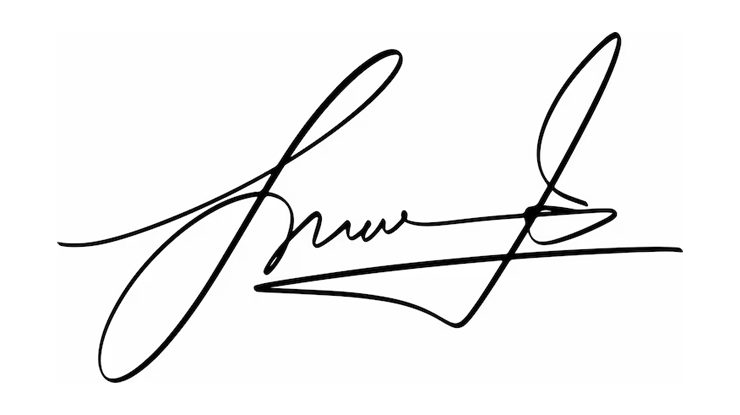
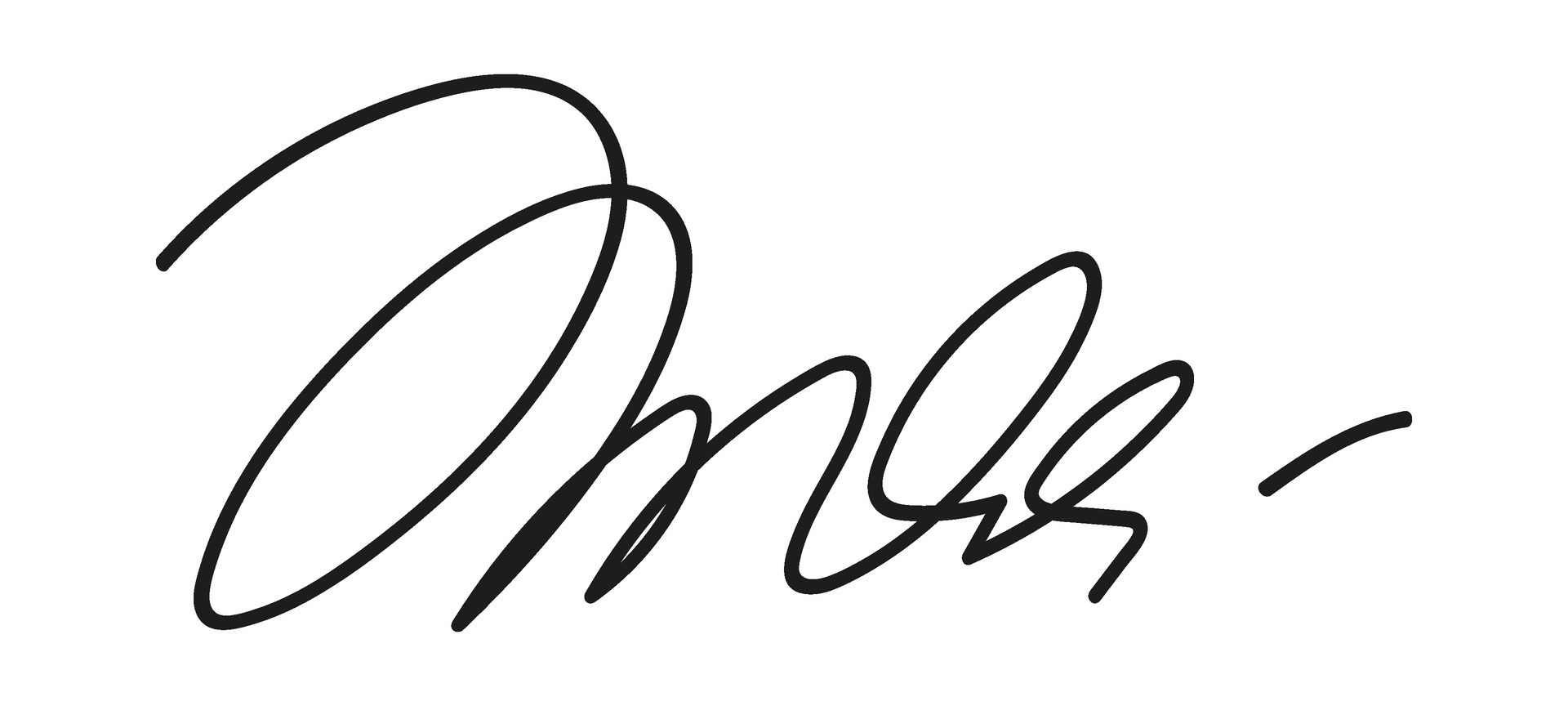
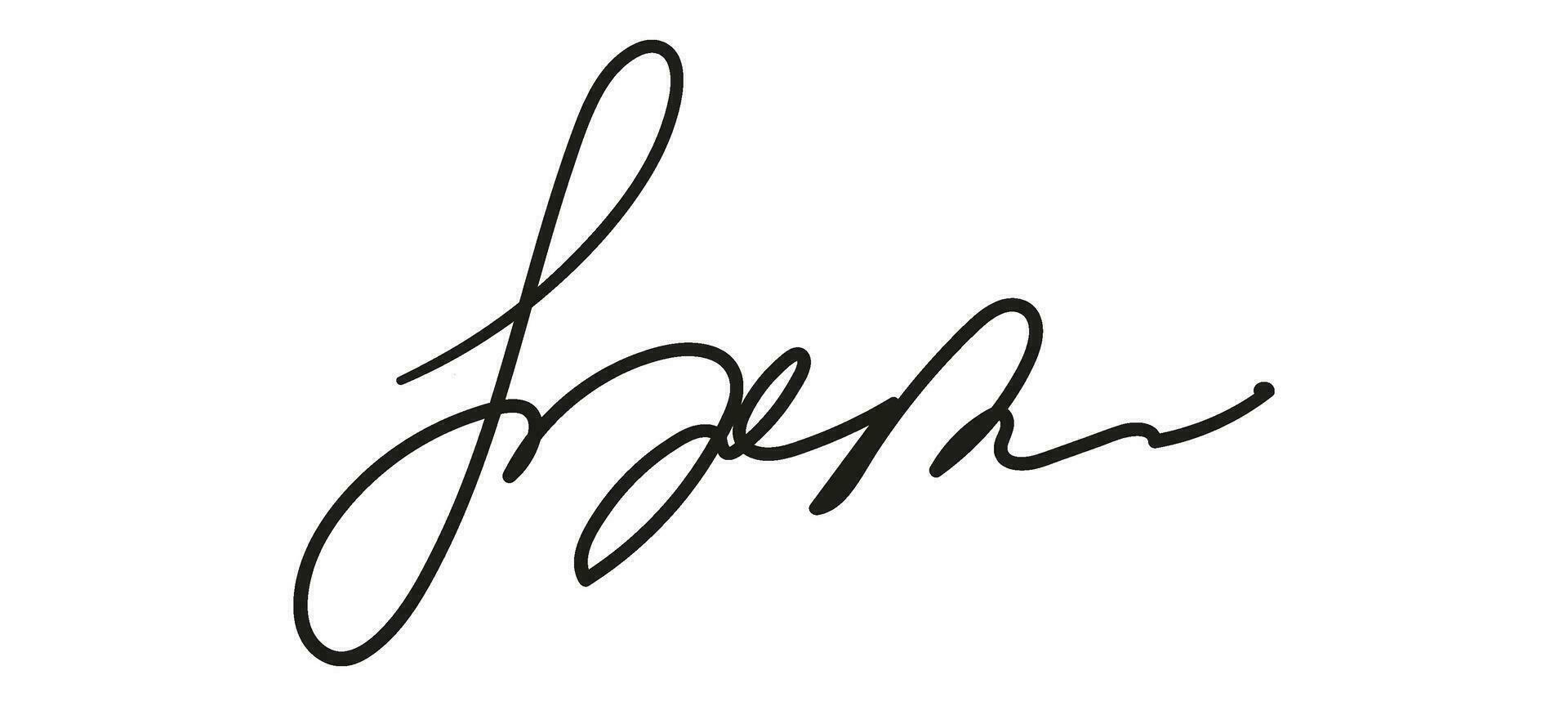
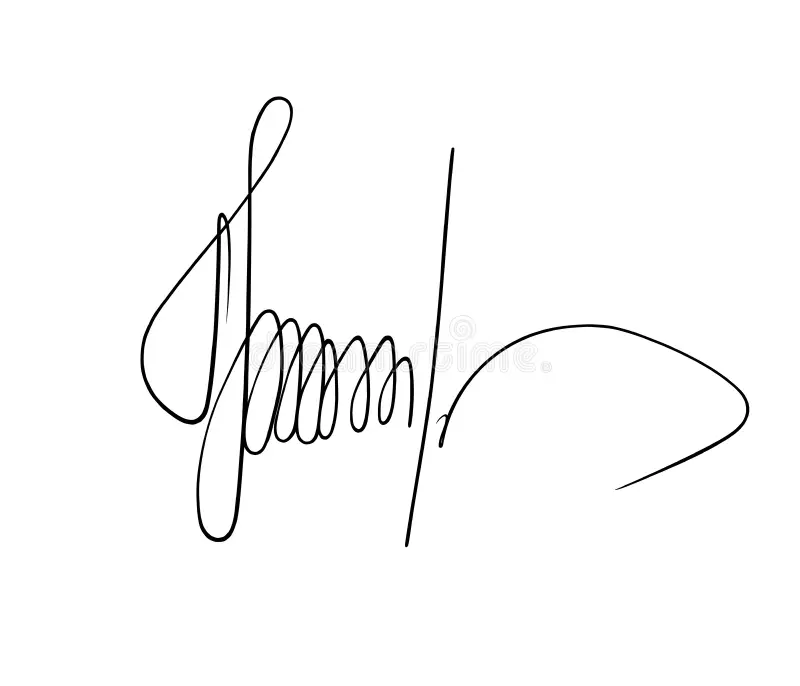
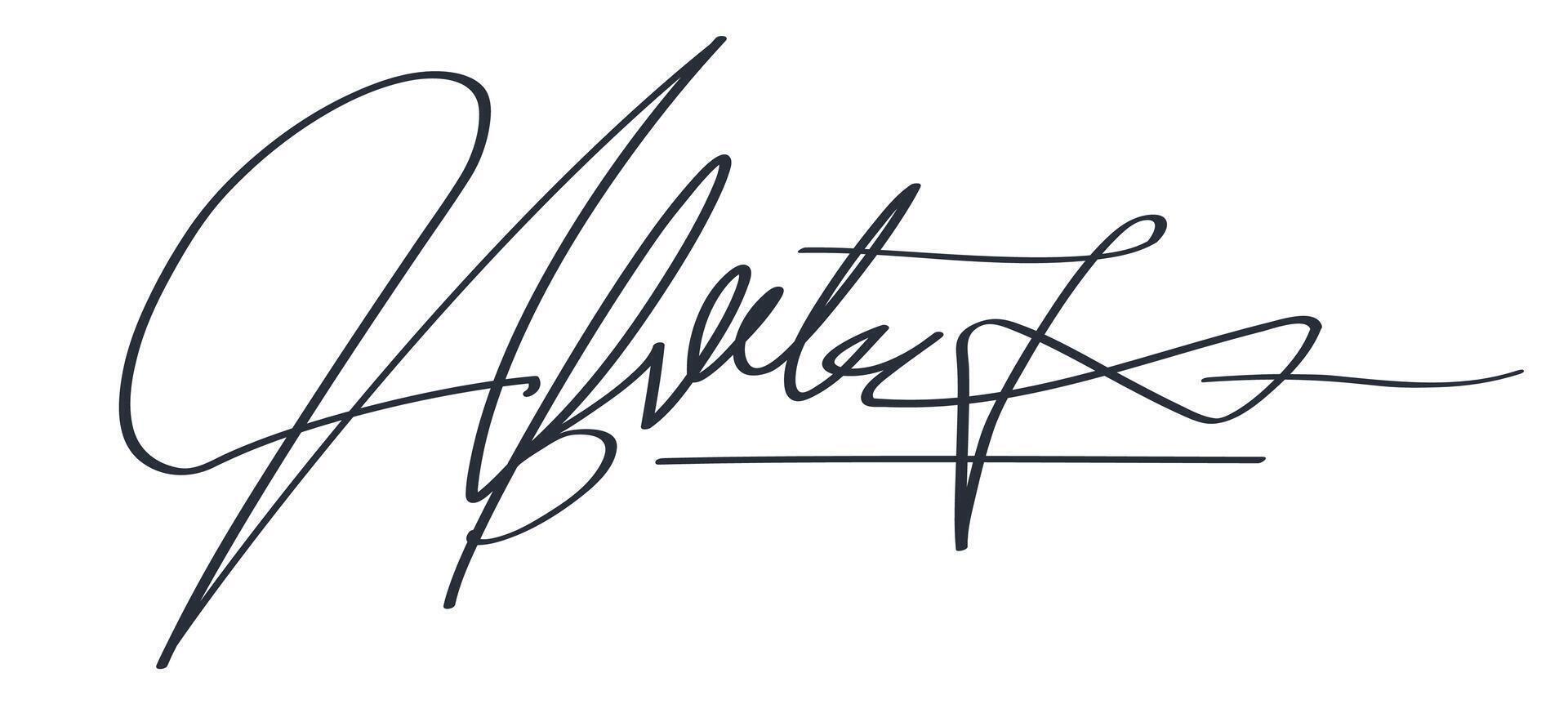
Don't have a signature?
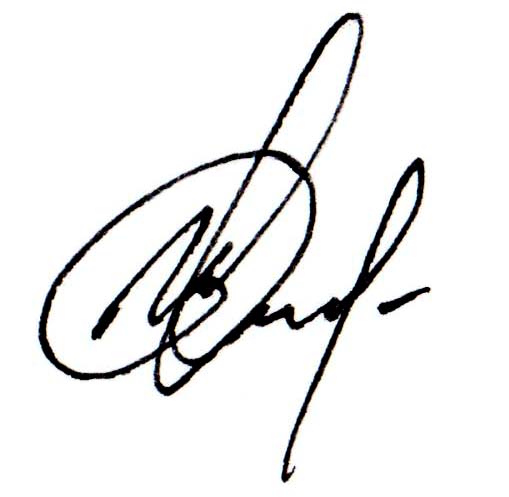
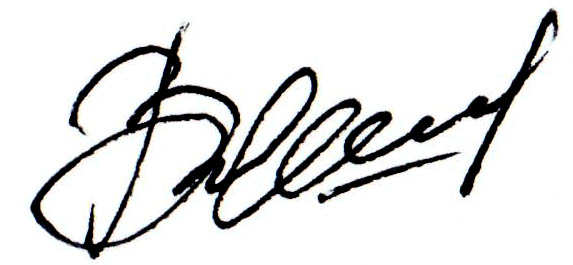
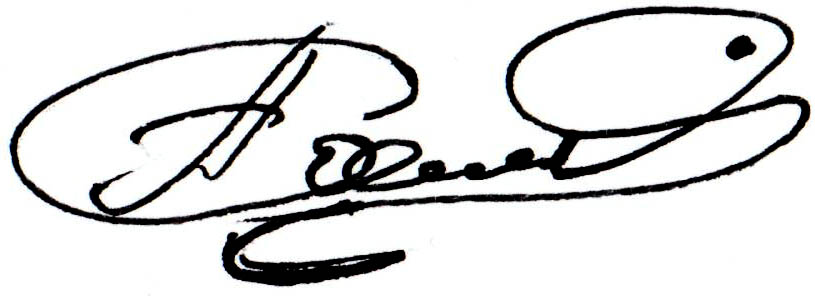
You can use one of these sample signatures to fill the form as needed.
Why Choose IDMAN?
Frequently Asked Questions
How to create a signature
How to Create a Signature
- Draw your signature on a clean white sheet of paper using a black pen.
- Take a clear photo of the signature.
- Convert the photo to black and white (desaturate it).
- Adjust Brightness/Contrast so the background becomes white and the signature becomes black.
- Crop the image around the signature.
Done! Your signature is now ready to upload and use on our website.
How to make money on IDman – referral program guide
How to Make Money on IDman – Referral Program Guide
You can earn on IDman through our 10% referral program. Here’s how it works:
- Click on your profile icon to access your unique referral link.
- Share your link with friends, followers, or anyone interested in using our platform.
- You earn 10% on every deposit made by each referral.
- Your earnings can be withdrawn in cryptocurrency, available only in USDT (TRC20).
Start sharing your link today and earn effortlessly!
Something went wrong — How can I fix it?
Something Went Wrong — How Can I Fix It?
If you’re facing issues on the website, here are the most common problems and how to solve them.
How do I get a photo without a watermark?
All steps for using the site, uploading photos, and saving clean results are explained in our main guide.
If something doesn’t work as expected, check below or contact support.
Why is my uploaded photo cropped?
If part of your image is cut off, it usually means the bottom area isn’t large enough to fit the required space.
Try one of the following:
- Upload another photo that shows more of your upper body (up to the chest with shoulders visible).
- If you edit photos, extend the lower part of the picture in any photo editor and try again.
Common Errors and How to Fix Them
1. “Generate” or “Continue” button is not active
This usually means something is missing.
- Make sure all required fields are filled in.
- Double-check that the information is entered in the correct format according to the on-screen instructions.
2. Incorrect date format
Enter the date exactly as shown in the hint next to the field (for example: MM/DD/YYYY, DD.MM.YYYY,DD.MM.YY etc.).
3. “Please wait 20–30 seconds. Server is restarting.”
This is a temporary issue.
- Wait a few seconds and try again.
- If the error continues, write to our support team on Telegram: @idmanhelpdesk
4. The final image looks pixelated
- Try generating the image again.
- If you paid for a result and notice a quality issue, contact support on Telegram: @idmanhelpdesk
5. “Attempt to connect to server”
Try the following:
- Wait 1 minute.
- Check your internet connection.
- Reload the page using Shift + F5 (hard refresh).
- If the issue remains, try a different browser.
6. Error while generating a result
Check the following:
- All fields must be filled in correctly.
- Names must be entered using Latin letters (unless the field specifically requires another language).
- If you still cannot continue, contact support and include screenshots of your inputs.
Still Need Help?
If you have any further questions, just message us on Telegram: @idmanhelpdesk
We’re always here to help!
If you want, I can format this into HTML, shorten it, or match your website’s tone.
How do I remove Photoshop traces and clean the image metadata?
To remove EXIF data from any photo generated on our website, here’s a simple and effective method recommended by our team. (You’ll need a Facebook account.)
- Generate your image on our website.
- Open Facebook.
- Open any profile or page — it can be a friend, a celebrity, or even your own profile.
- Send the photo in a private message.
- After sending, download the photo back to your device.
Result: Facebook automatically strips all EXIF data, so the downloaded image will be completely clean and free of Photoshop traces.
Is there a free trial available?
How does billing work?
You pay for each photo you generate. The price is based on the selected photo type.
Other question? Write to support!
Have additional questions? Reach out to our support team.
For news, updates, and giveaways, be sure to join our Telegram channel as well.
Contact Us
Need help? Contact our support team on Telegram.
Want updates? Join our Telegram channel for the latest news, important notices, and frequent giveaways. Stay updated — subscribe now!